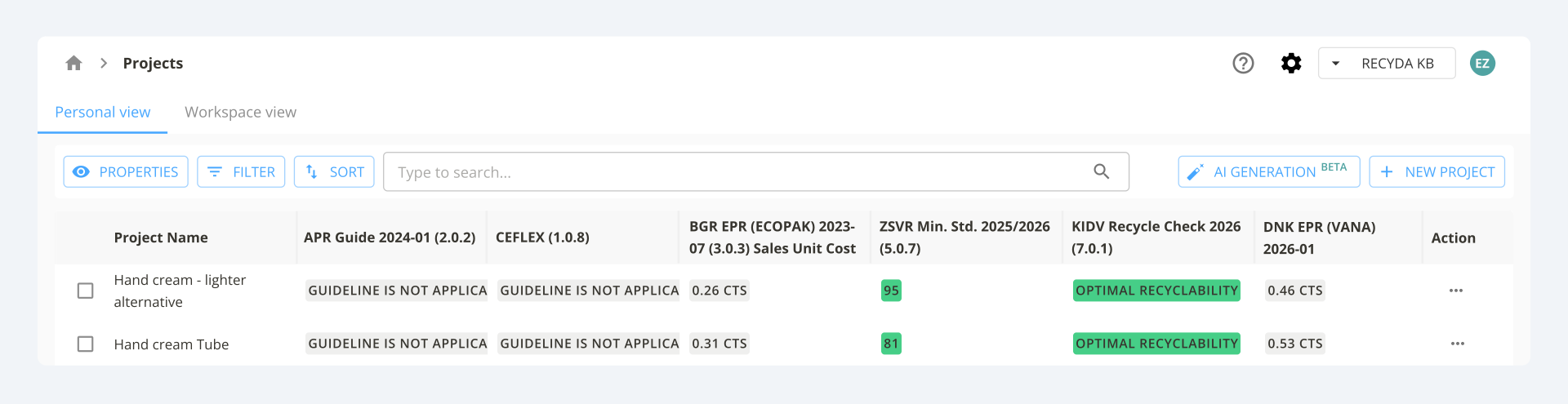
The Projects page is divided into two sections: Personal view (changes in the table layout visible only for the user) and Workspace view (changes in table layout visible to all users).
The project table below shows all the packaging projects created in this workspace. Use it to:
-
View all the projects that are present in this workspace
-
Compare the project results based on the rulesets available
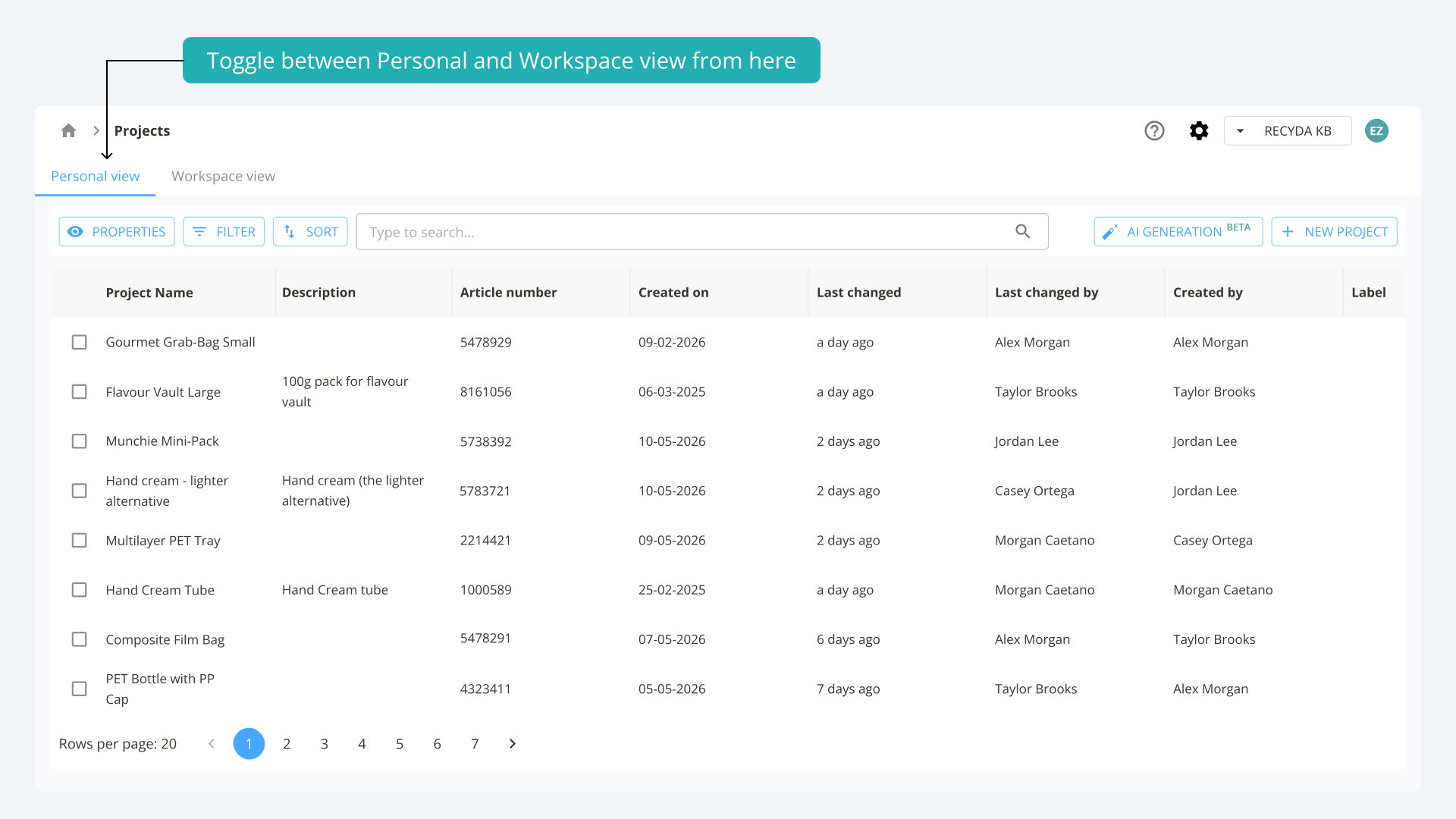
Personal view
In the Personal view, you can customize which columns are displayed in your table. Any changes you make are only applied to your user profile and will not affect other users, who will see their own selection or the default columns.
-
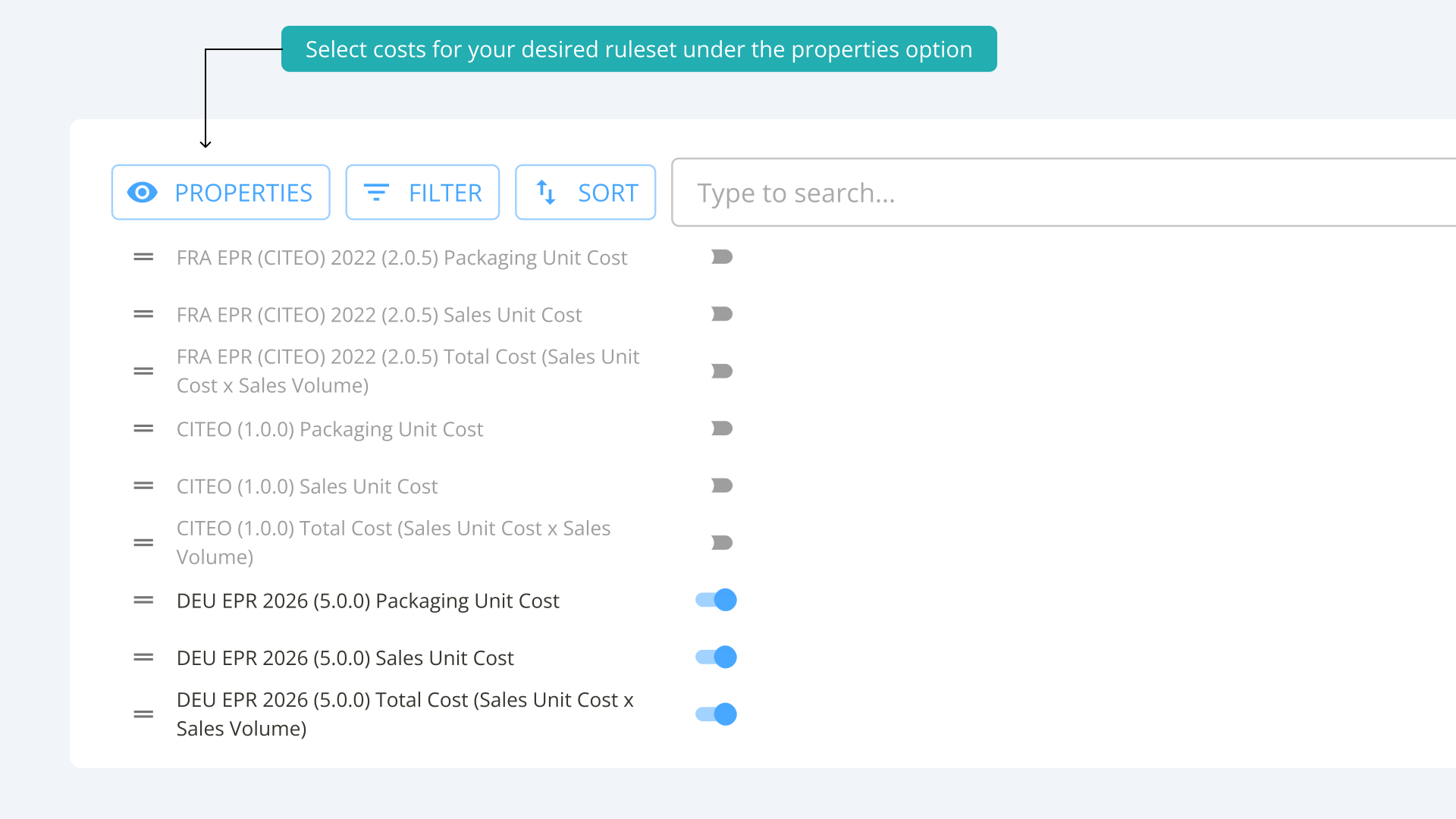
To adjust the visible columns, click Properties and select the columns you want to display - the selection will include all the rulesets that are available in this workspace (e.g. DEU EPR, CITEO TREE) and the data fields (e.g. Article number, Created by).
-
You can reorder columns by dragging them using the drag handle (the two-line icon).
-
As you enable more columns, scroll right in the table to view the additional ones.
Workspace view
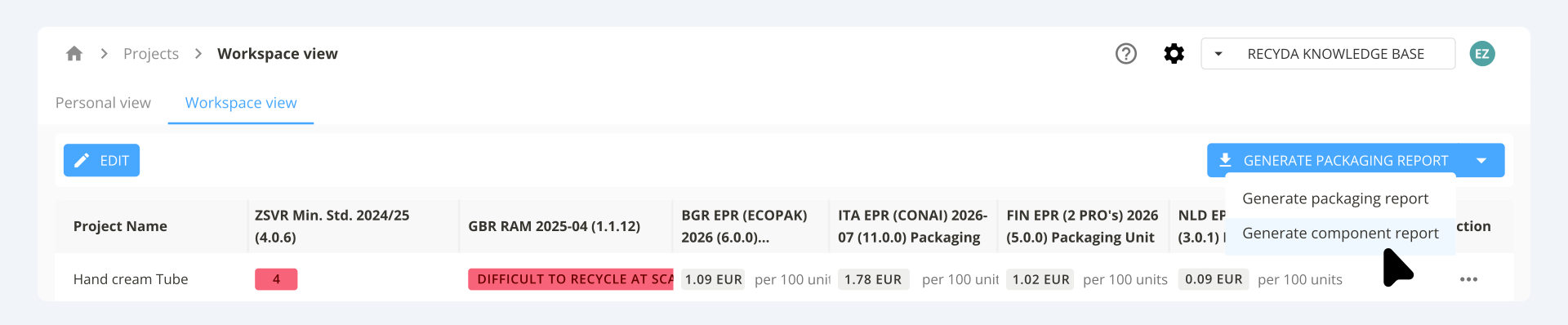
The Workspace view has the same functionality as the Personal view, with one key difference: any changes made to the table layout are visible to all users. This view also allows you to generate reports at either the packaging or component level.
Generate a Packaging Report
-
Download a packaging report for all projects in the workspace, or filter for specific projects (e.g. by brand or business unit). Click Edit and select the columns you want to include by enabling them under Properties.
Generate a Component Report
-
Download a list of all components across your selected packaging projects.
How to calculate the total EPR obligation
If your workspace includes EPR rulesets and you want to see the result of the Consumer Sales Unit multiplied by the shipment volume, you must enable the following three columns:
-
Packaging Unit Cost
-
Sales Unit Cost
-
Total Cost
See the example below:
❗️Make sure that the shipment volumes of your packaging project match the selected EPR ruleset validity period.
Example:
DEU EPR 2026 is enabled under Properties. The shipment volumes for the packaging in question need to be within the validity period of the ruleset (add them on Shipment Volumes page).
.svg)
The validity of the ruleset is visible on the Rulesets page.

How to compare EPR, plastic tax or recyclability results of packaging projects
Whether you are developing a more cost-effective or recyclable alternative to an existing packaging, or comparing different packagings against each other, you can do this directly in the project table.
To compare two or more projects for EPR or recyclability results:
- Scroll right in the table and click the three-dot menu.
- Select Copy project and edit the necessary details in the copied version.
- For EPR rulesets - ensure the Shipment Volumes are correctly set.
- Compare the results across both projects.